ZS Logo
Lady Boss Logo
Webcor Logo
IHG Logo
Lucidya Logo
i.am+ Logo
InterContinental Hotels and Resort Logo
Sandvik Logo
NTPC Logo
Wipro Logo
MB Aerospace Logo
NBK Logo
KRONES Logo
avaloq

Bring AI-Powered Productivity, Automation & Intelligent Assistance to Your Business

Microsoft Copilot is changing the way organisations create, communicate, analyse information and carry out their daily business processes. At DynovateTech, we help companies with the planning, implementation, customisation, integration and optimisation of Microsoft Copilot solutions in order that they align with both their existing Microsoft environment and their business objectives.

  • Develop a Microsoft Copilot strategy that aligns with your business objectives.
  • You can increase employee productivity by using AI to supply content, provide insights, and assist with tasks.
  • Connect Copilot with Microsoft 365, Dynamics 365, the Power Platform, and business data.
  • Design tailored Copilot experiences and AI agents to satisfy specific business requirements.
  • Begin by establishing security, governance, permissions, and responsible AI practices.
schedule a demo
Bring AI-Powered Productivity, Automation & Intelligent Assistance to Your Business

Our Microsoft Copilot Consulting Services

We provide end-to-end consulting services for Microsoft Copilot, taking the matter from the first strategy and readiness review all the way through to implementation, customization, integration, adoption, and ongoing optimization. The approach we take is designed with the aim of delivering real business results rather than simply introducing one more AI tool into your technology environment.

  • Microsoft Copilot Strategy and Business Planning
  • End-to-End Microsoft Copilot Implementation Services
  • Seamless Microsoft 365 Copilot Integration Solutions
  • Intelligent AI Workflow Automation and Optimization
  • Customized Microsoft Copilot Configuration and Development
Microsoft Copilot Strategy & Consulting

We'll establish your Copilot roadmap, determine the most valuable use cases, assess readiness, and make sure that AI initiatives are in line with business goals, workflows, governance, and measurable outcomes for all teams.

Microsoft Copilot Implementation

We set up Copilot in your environment, configure the required settings, connect the approved resources, and always make sure the users are ready for secure and productive use.

Microsoft Copilot Customization

We tailor the Copilot experiences, prompts, instructions, knowledge sources, and workflows to match your business processes, terminology, the specific requirements of each department, and your company's operational priorities in all cases.

Microsoft Copilot Integration

We connect Copilot with Dynamics 365, the Power Platform, Microsoft 365, various APIs, and other business systems so as to enable a secure and reliable exchange of relevant information and to allow for smooth cross-application workflows.

Custom Copilot Development

We design custom Copilot experiences to meet particular business needs by integrating conversational AI, enterprise data, automation, and special features that go beyond the standard capabilities in order to achieve measurable business impact.

Copilot AI Agent Development

We are creating AI agents that carry out particular business tasks, use approved information when reasoning, initiate actions, interact with a variety of systems, and give ongoing support to employees in all the different departments in a reliable way.

How Can Organizations Use Copilot for Productivity and Automation?

Companies can make use of Microsoft Copilot in order to reduce the number of repetitive tasks, accelerate the process of finding information, assist employees with their everyday activities, and enhance the intelligence of their business processes. Instead of asking users to search through a number of applications or having to manually create routine content, Copilot is able to provide help within the context of the well-known Microsoft environments.

Content Creation
Content Creation

You will be able to produce emails, documents, proposals, presentations, reports, and other business content more quickly.

Information Summarization

Sum up meetings, conversations, documents, emails, and large quantities of business information.

Data Analysis
Data Analysis

Data analysis can help employees to gain an understanding of business information, identify trends, generate insights, and aid them in making data-driven decisions.

Workflow Assistance
Workflow Assistance

AI capabilities can be connected with applications, workflows, and business rules in order to help with workflows.

Employee Productivity

Employees should be given access to the information they need and to AI assistance through conversation, all within their everyday work environment.

Business Process Automation

Microsoft Copilot helps automate repetitive business tasks, streamline approvals, generate task summaries, and reduce manual work, allowing teams to focus on more important business activities.

Microsoft Copilot Solutions We Work With

Microsoft offers Copilot features across its entire business ecosystem, and we help organisations to decide where each solution should be used as well as how the different Copilot experiences can be combined. Our consultants can assist you in selecting and setting up the appropriate Copilot technologies based on your users, applications, data, workflows, and the business outcomes you wish to achieve.

Microsoft 365 Copilot

Microsoft 365 Copilot brings AI into everyday work, enabling employees to make effective use of the organization's context when they summarise information, draft content, analyse data, prepare meetings, and carry out tasks.

Copilot for Dynamics 365

Copilot for Dynamics 365 gives sales, service, finance, and operations teams contextual insights, summaries, recommendations, content generation, and intelligent assistance at each stage of business operations workflows.

Copilot for Power Platform

Using natural language and the low-code development features available, Copilot for Power Platform allows teams to create applications, automate processes, carry out analysis of information, and develop conversational experiences in order to speed up development.

Microsoft Copilot Studio

Microsoft Copilot Studio enables organisations to create, customise, publish, and manage AI agents that link conversational experiences with business knowledge, workflows, and systems while including enterprise controls.

Custom Microsoft Copilot Solutions for Your Business

Various organisations have different processes, different data structures, different departments, and varying requirements concerning their customers. The standard Copilot features are not always capable of meeting specific operational needs. To this end, we develop custom Copilot solutions that integrate conversational AI, enterprise information, automation, and business-specific logic so as to design experiences that are tailored to your organisation.

Custom AI Assistants

We design personalized AI assistants who can answer questions, retrieve approved information, summarize content, guide employees, and offer support for a variety of specialized tasks within your business operations and day-to-day workflows.

Business-Specific Copilot Agents

Copilot agents designed for specific business purposes are based on particular roles, processes, and objectives, so that employees can carry out repetitive tasks, get the information they need, and reliably carry out approved actions within the agreed limits.

Enterprise Knowledge Assistants

Enterprise knowledge assistants bring together approved organizational information so that employees can find the answers they need more quickly, at the same time maintaining the correct access restrictions and business context within the organization.

AI-Powered Workflow Automation

Because of the combination of Copilot's intelligence with business rules and connected applications, the use of AI-powered workflow automation leads to a reduction in manual work, faster processes, and improved operational consistency, together with measurable operational benefits.

How Microsoft Copilot Works With Your Existing Technology

Copilot proves to be a lot more useful tool when it is used in conjunction with the different systems that your teams already employ; rather than proposing yet another separate application, we assist in integrating AI features into your present Microsoft environment. This enables employees to work with the applications they are already used to while at the same time giving them access to relevant information, automation, recommendations, and intelligent assistance within the normal business processes.

Copilot + Dynamics 365

Using Copilot with Dynamics 365 displays customer, sales, service, finance, and operational context, which helps users to make informed decisions without having to switch between various applications and thus increases productivity.

Copilot + Dynamics 365
Copilot + Power Platform

Copilot and Power Platform work together to develop applications, automate workflows, analyze data, and create agents that intelligently respond to changing business requirements by referencing connected business data.

Copilot + Power Platform
Copilot + Microsoft 365

The productivity tools are offered as part of Microsoft 365, and Copilot works by using the appropriate documents, emails, meetings, chats, and files so as to give everyday work more context and therefore more productive collaboration.

Copilot + Microsoft 365
Copilot + Business Data

Copilot can make use of business data that has been approved and is provided by connected systems, helping employees to get the information they need while at the same time adhering to the established permissions, security policies, and governance requirements in a secure way.

Copilot + Business Data

Microsoft Copilot Implementation Process

Successful deployment of Copilot goes beyond simply activating the licenses or making a few adjustments. We apply a systematic approach that considers your business objectives, the users involved, the data, the applications, the security requirements, and the goals with regard to adoption. The implementation process that we follow not only establishes a strong foundation but also includes opportunities for future AI expansion.

Microsoft Copilot Implementation Process
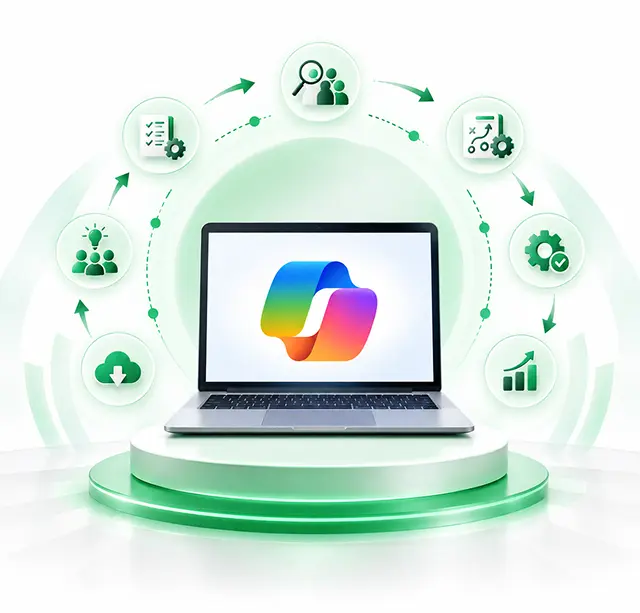
Business & AI Readiness Assessment

We understand your business objectives, the Microsoft environment that you are currently using, your workflows, your users' requirements, your data sources, the problems you are experiencing, and the AI opportunities so that we can find the areas in which Copilot can deliver real value.

Use Case Identification & Prioritization

We will examine the different ways in which Copilot can be put into practice in various departments and then rank these applications based on their business impact, the complexity of implementation, the availability of data, user requirements, and the expected return.

Microsoft Environment Assessment

We look at your Microsoft 365, Dynamics 365, Power Platform, identity, permissions, applications, data sources, and current configurations in order to determine the dependencies and implementation considerations.

Copilot Solution Design

We put together the desired Copilot environment by specifying the necessary configurations, integrations, knowledge sources, workflows, agents, access controls, governance measures, and user experiences.

Configuration & Implementation

We set up the Microsoft Copilot features and the associated services, establish the correct settings, connect the approved resources, and put the solution into effect in line with the agreed design.

Customization & Integration

When the standard features are not adequate, we tailor Copilot experiences and incorporate appropriate applications, business data, APIs, workflows, and Power Platform components.

Testing & Validation

To detect any problems and make sure the solution acts as expected, we test Copilot responses, workflows, permissions, integrations, security controls, and user scenarios.

User Training & Adoption

We offer training that is tailored to specific roles, together with practical advice, documentation, workshops, and suggestions regarding usage in order that employees may understand how to use Copilot both effectively and responsibly.

Deployment & Go-Live

After it has been validated, we will carry out the deployment among the user groups and environments that were agreed upon, making sure to keep any disruption to a minimum and offering help throughout the transition.

Optimization & Ongoing Support

Once it has been put into place, we look at how it is being used, the feedback received, its performance, the configurations, and any new requirements that are arising so as to constantly improve the Copilot environment and to spot further opportunities.

Security & Governance for Microsoft Copilot

Bringing AI into an organisation has to involve careful thought about data access, identity, permissions, privacy, compliance and responsible use. We assist in putting in the right controls so that Copilot can offer useful help without unnecessarily exposing sensitive business information or going around the existing authorisation structures.

Data Access Controls

We set up data access in such a way that Copilot can refer to only the information that has been approved, which helps to avoid unnecessary exposure and at the same time makes sure that employees get useful answers from authorized sources in your environment.

Identity and Authentication

The system provides strong identity controls to verify users and to secure access to Copilot, ensuring that the authentication policies used are in line with your Microsoft environment and with your organization's security requirements for each user.

Role-Based Access
Role-Based Access

Role-based access makes sure that the Copilot experiences and the related information available are in line with each employee's responsibilities and restricts the capabilities and the amount of data that can be accessed in accordance with the defined business roles and business functions.

Permission Management

We look at and set up the permissions for all the connected resources so that interactions using Copilot will respect the current authorization boundaries and users will have access only to the information they are allowed to use.

Data Governance
Data Governance

Data governance defines the way in which information is classified, accessed, retained, shared and managed, thus providing a controlled basis for the responsible use of Copilot throughout your organization and for continued oversight.

Secure Integrations
Secure Integrations

Our integrations are designed with security in mind and make use of approved connectors, authentication methods, access boundaries, and governance controls in order to protect business information during the entire process of connected workflows across the various connected systems.

Monitoring and Administration

Administration and monitoring give you a clear view of how Copilot is being used, of its configurations, access rights, and operational performance, enabling teams to detect any problems and keep a controlled environment over time while constantly improving.

Responsible AI Practices

The principles of responsible AI stress the importance of human oversight, the proper use of data, transparency, testing, and clear accountability in order that Copilot may assist employees without taking the place of good business judgment in any instance of its deployment.

Ready to Make Microsoft Copilot Work for Your Business?

Get smarter productivity, intelligent automation, and AI-driven workflows using Microsoft Copilot. Our experts will assist you in finding the appropriate use cases, putting in place secure solutions, and creating custom Copilot experiences that are tailored to your business.

Tools and Technologies

A structured, data-driven approach to ensure seamless transition and immediate valuerealization.

Microsoft Copilot Solutions
  • Microsoft 365 Copilot
  • Microsoft Copilot Chat
  • Dynamics 365 Copilot
  • GitHub Copilot
AI Agents & Development
  • Microsoft Copilot Studio
  • Microsoft Agent Framework
  • Azure AI Foundry
  • Microsoft Semantic Kernel
Business Process Automation
  • Microsoft Power Automate
  • Power Apps
  • AI Builder
  • Business Process Workflows
Data & Knowledge Integration
  • Microsoft Dataverse
  • SharePoint
  • Microsoft Graph API
  • Azure AI Search
AI Development & Integration
  • Azure OpenAI Service
  • REST APIs
  • Microsoft Graph Connectors
  • Custom Plugins
Security & Governance
  • Microsoft Entra ID
  • Microsoft Purview
  • Microsoft Defender
  • Responsible AI Practices

Why Choose DynovateTech for Microsoft Copilot Services?

Copilot works best when attention is given simultaneously to the AI strategy, Microsoft's technologies, the business processes, and acceptance within the organization. DynovateTech combines its expertise in technical implementation with a business-oriented approach in order to help companies turn Copilot's capabilities into practical results.

Business-Focused AI Strategy

We concentrate on use cases that address real business challenges rather than adopting AI just because the technology is available.

Microsoft Ecosystem Expertise

The approach takes into account the entire Microsoft ecosystem, encompassing Microsoft 365, Dynamics 365, the Power Platform, Azure, Dataverse, Teams, SharePoint, and other business applications that are connected.

Customized Solutions

Instead we design our solutions to fit around your organisation's workflows, departments, data, users, and operational requirements and do not require your business to adapt to a standard implementation..

Security-First Approach

The solution design includes security, permissions, identity, governance, and the various considerations related to responsible AI in order to establish a controlled environment for enterprise adoption.

Scalable AI Architecture

When creating Copilot solutions, we have future expansion in mind so that organizations can add new use cases, AI agents, integrations, and automation as their needs change.

End-to-End Support
End-to-End Support

We assist your team at every stage—starting with strategy and implementation and continuing through training, optimization, troubleshooting, and dedicated ongoing support—in order that it may get the most out of its Copilot investment.

Frequently Asked Questions

Everything you need to know about Dynamics 365 ERP implementation with DynovateTech.

Microsoft Copilot consists of a range of capabilities powered by artificial intelligence which are intended to help people work more efficiently. For different products, Copilot can provide help with content creation, information retrieval, data analysis, communication, business processes, automation, and the completion of tasks.

Microsoft Copilot consulting services assist organisations with planning, carrying out, customising, integrating, securing and optimising Copilot solutions. Such consulting may involve carrying out readiness assessments, identifying use cases, configuration, custom development, AI agents, integrations, governance, training and continuous support.

Copilot is capable of supporting a wide variety of business activities, such as drafting content, summarising meetings and documents, analysing information, helping out customer service teams, supporting sales activities, automating workflows, retrieving business information, and creating AI-powered assistants or agents.

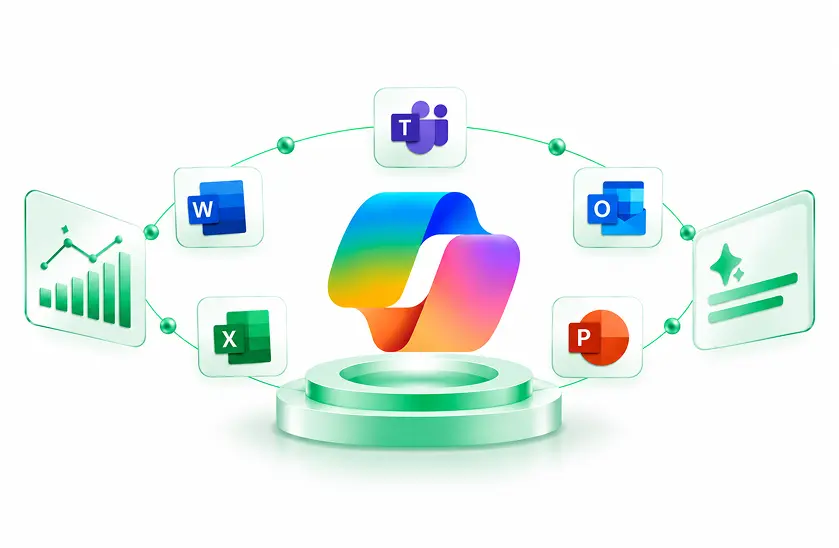
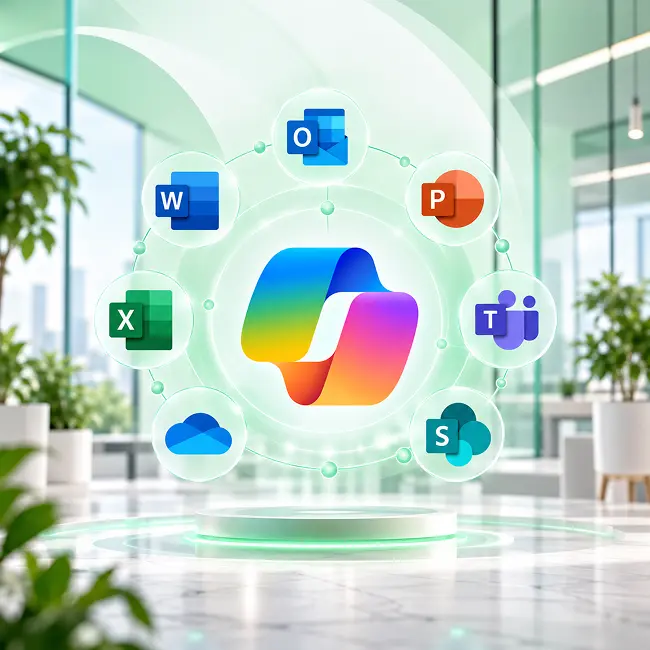
AI assistance is provided within the Microsoft 365 applications and experiences through Microsoft 365 Copilot. The tool can aid users when working with information and content in various applications, including Word, Excel, PowerPoint, Outlook, Teams, and other Microsoft productivity services, provided that the organization has configured it and granted the necessary permissions.

Yes, the features of Copilot can be used with Dynamics 365 applications in order to offer assistance in various areas, including sales, customer service, finance, and business operations. The right method of integration will vary according to the Dynamics 365 applications, the data, the workflows, the licensing, and the business requirements in question.

Certainly, we are able to design and develop tailored Copilot experiences for organisations that require features that go beyond the standard capabilities. Such solutions may encompass custom assistants, AI agents, business-specific workflows, knowledge experiences, integrations, automation, and links to approved enterprise data.

Microsoft Copilot Studio is the platform that Microsoft offers for creating and tailoring AI agents and interactive experiences. It allows organisations to construct agents based on specific business needs, link to knowledge sources, integrate workflows, and give users specialised AI assistance.

Yes, Copilot solutions are able to work with approved business information and with connected systems, the exact possibility depending on the Microsoft products, the configuration, the connectors, the permissions, and the architecture in use. We assist organisations in identifying the appropriate data sources while at the same time meeting security and governance requirements.

A typical approach starts off with carrying out business and technical discovery, then moves on to prioritising use cases, followed by an assessment of the environment, solution design, configuration, integration, customization, testing, training, deployment and finally optimization. The specific method used will vary according to the objectives of your organization, its Microsoft environment, the users involved, the data and the requirements.

The price will vary according to things like the number of users, the Microsoft products concerned, the extent of the implementation, the integrations, the customization, the need for AI agents, the business data requirements and the security settings, as well as the training requirements. We advise that you evaluate your needs before we give you a specific figure for the project.

The time needed for implementation will depend on the extent and complexity of the project; a simple deployment might take less time, whereas custom agents, integrations, connections to business data, governance requirements, and involvement of several departments could result in a longer implementation period. We set up the timeline once we have assessed your requirements.